> For the complete documentation index, see [llms.txt](https://docs.crunchdao.com/llms.txt). Markdown versions of documentation pages are available by appending `.md` to page URLs; this page is available as [Markdown](https://docs.crunchdao.com/competitions/teams/referendums.md).
# Referendums
To ensure that there is no controlling entity in the team, all decisions affecting members must be voted on. 🗳️
## Unanimity consensus
All votes shall be unanimous.
At the first `AGAINST`, the referendum is considered as `REJECTED`.
Once all members have voted `FOR`, the referendum is considered as `APPROVED`.
## Expiration
Polls only have a window of 3 days before they are considered `EXPIRED`.\
\
After that, no new votes will be accepted.
## Referendum Types
### Inviting a user
You can invite other users to join your team.
Once the decision has been made, the target user will receive an invitation.
Invite a user form
#### Conditions
* The target user must not already be invited
* The target user must not be in a team
* The new team size must be under 5
{% hint style="warning" %}
An invitation cannot be cancelled by the team.
{% endhint %}
### Kicking a user
A user can only be kicked from the team if he or she accepts the kick.
This is the only way someone can leave a team. (apart from [disbanding](#disbanding-a-team)).
Kick a member form
#### Conditions
* The target user must be a member of the team
* The target user must not be the last member of the team (use a [disband](#disbanding-a-team) instead)
### Promoting a leader
Only the team leader will have a rank on the leaderboard.
Other members can still participate and appear on the leaderboard; they will just not be ranked.
Promote a leader form
#### Conditions
* The target user must not be the team leader
* The target user must be a member of the team
{% hint style="info" %}
Not all competitions are using leaders to represent teams.
{% endhint %}
### Accepting a user
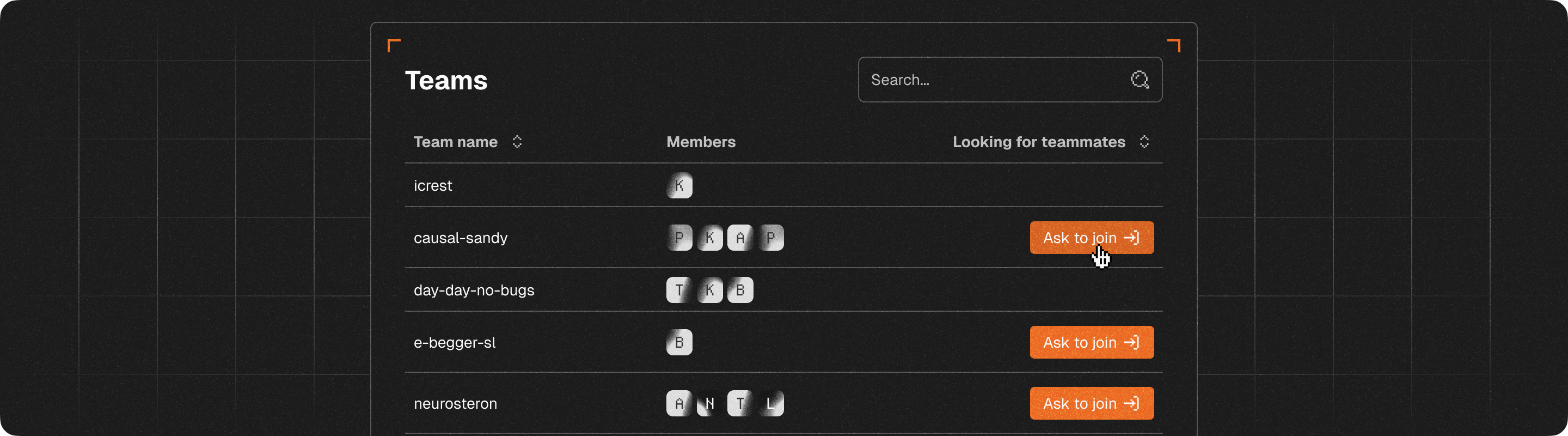
Teams that advertise for new team members can receive requests for people to join their team. When a user makes a request, it triggers a referendum.
View of a user searching for a team
Request to join form
#### Conditions
* The target user must not be already invited
* The target user must not be in a team
* The new team size must be under 5
{% hint style="info" %}
Some competitions allow for larger teams.
{% endhint %}
### Disbanding a team
Teams can be deleted by disbanding them.
Disband a team form
{% hint style="danger" %}
**The deletion of a team cannot be undone.**
{% endhint %}
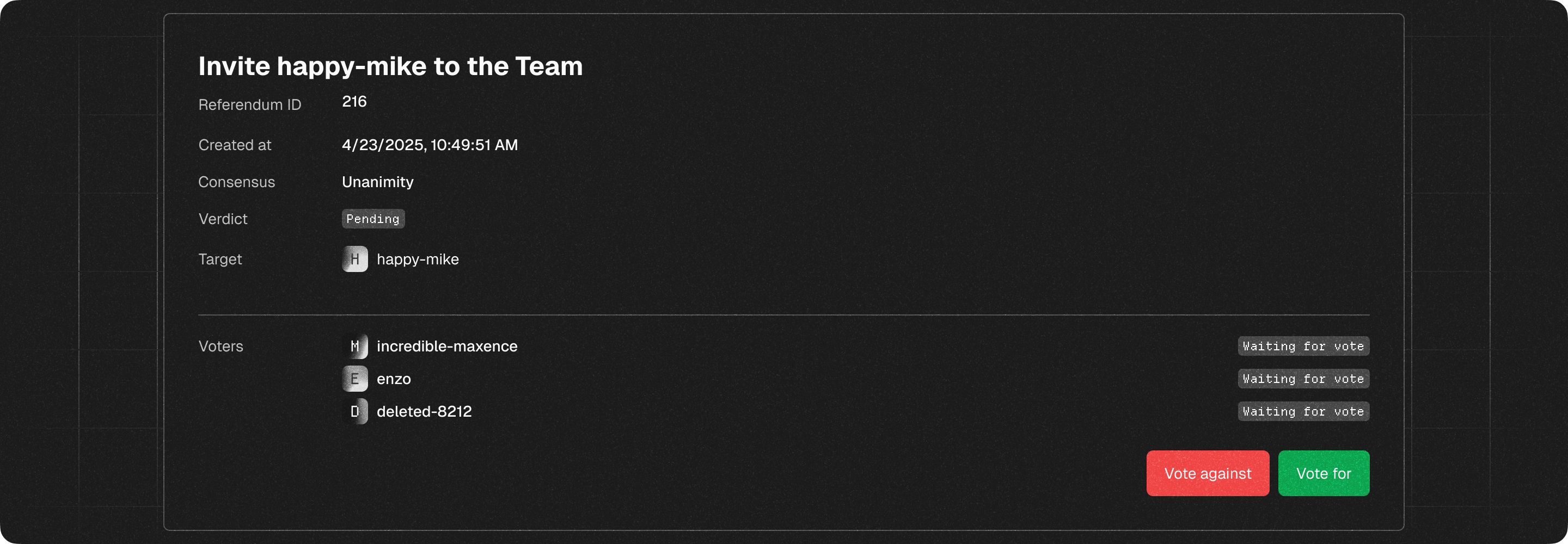
## Voting
Voting to invite happy-mike
## Post-vote failure
Some referendum can fail to be deployed if some conditions are not true anymore, a few examples includes:
* The team is full
* An invited user joined another team
* An invited user rejected the invitation
Depending on the reason, teams can re-create another referendum.
{% hint style="info" %}
If a team of one member try to create a referendum, it will be automatically accepted.
{% endhint %}